Nulls Brawl Not Working: Common Problems and Fixes
Most Nulls Brawl problems come from outdated APK files, blocked install permissions, weak storage, or network issues during multiplayer sessions. The fixes are usually simple once you spot the cause.
Before you troubleshoot, confirm you downloaded v67.264 from our download page. Old builds cause more errors than almost any other issue.
APK Will Not Install
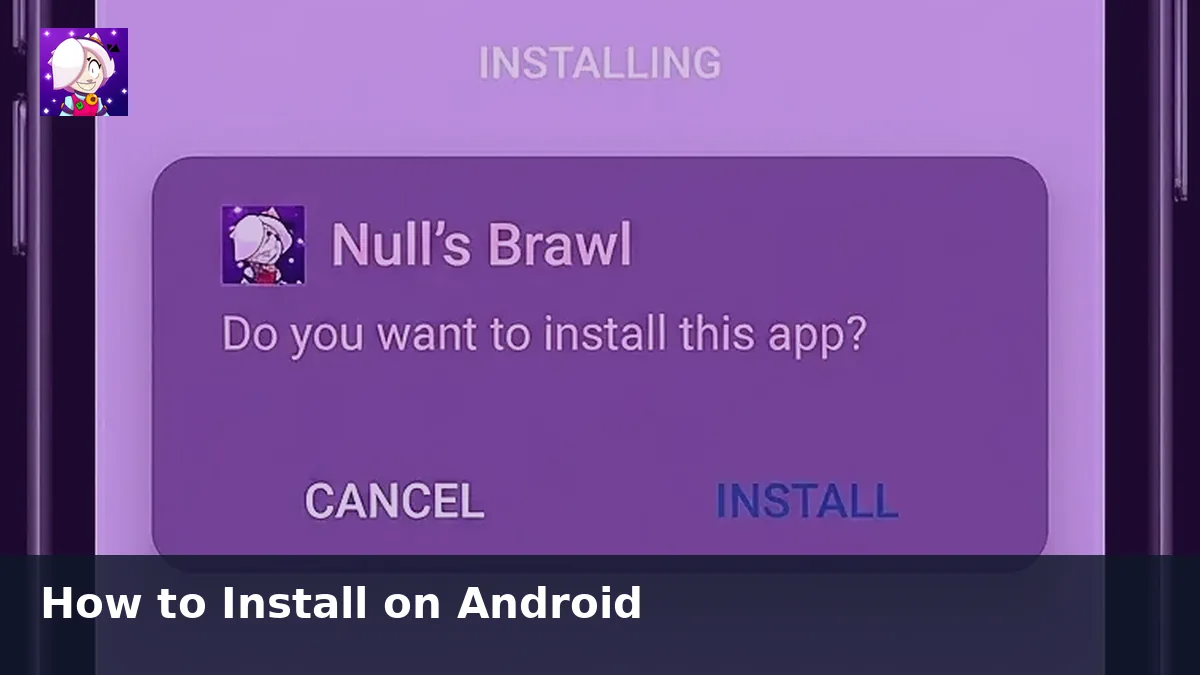
Android blocks unknown source installs by default. Open settings and allow installation for the browser or file manager you used to download the APK, then try again.
Also check free storage. The game needs space for the 1.1 GB file plus extra room for updates and cache data. Remove unused apps or media if the installer fails midway.
Game Stuck at 79 Percent Loading
This loading crash appears in community reports after some updates. Restart the game once after installing a new build. If the problem continues, disable emoji settings inside the app or reinstall the latest APK cleanly.
Lag and Connection Issues
Multiplayer lag often traces to WiFi signal strength or background downloads on your device. Switch to a stable connection, close streaming apps, and retry the match.
On PC emulators, allocate more RAM, enable hardware acceleration, and confirm virtualization is active in your system BIOS.
Missing Brawlers or Modes After Update
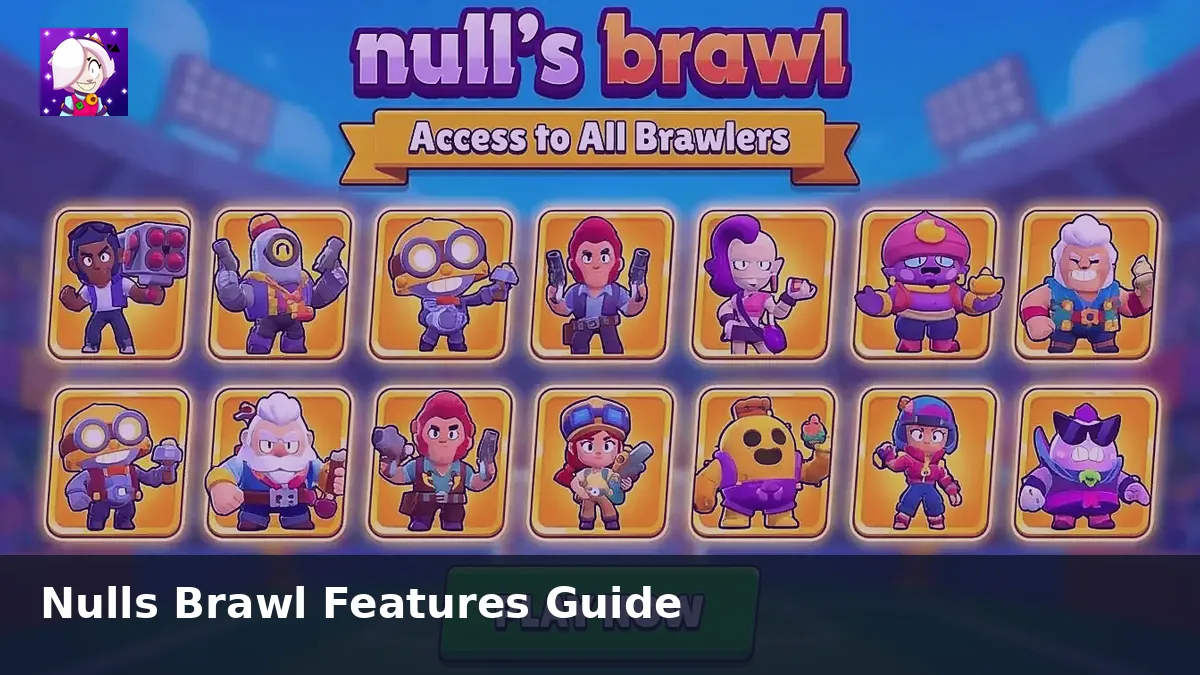
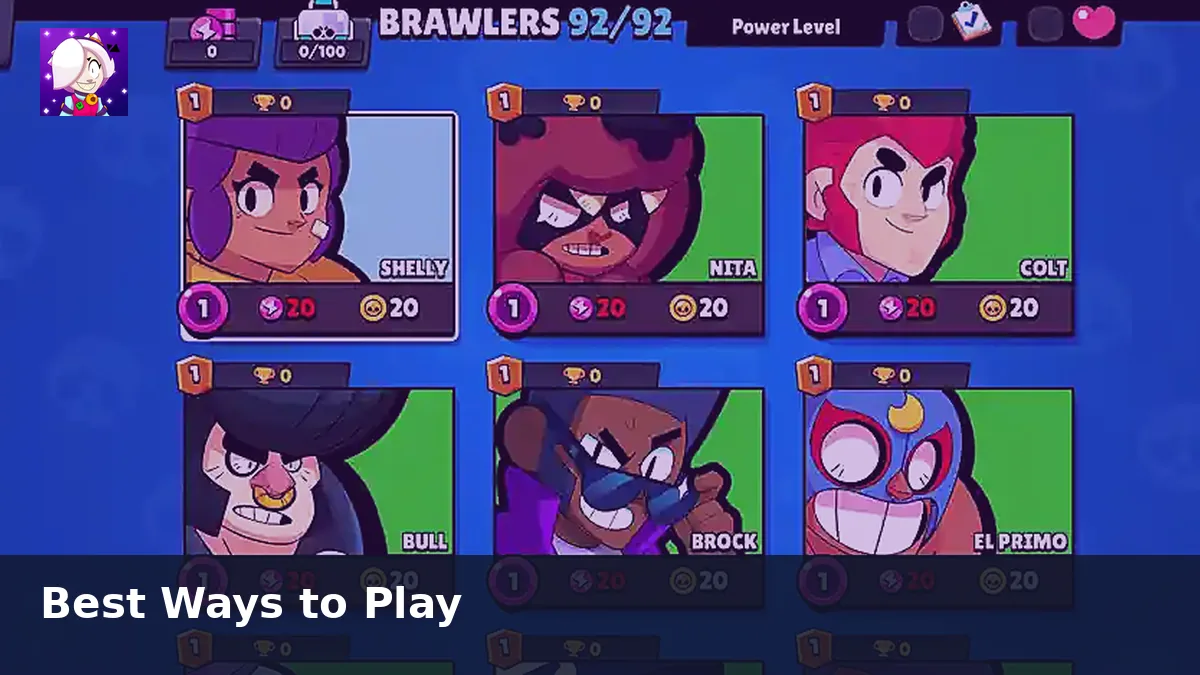
You are likely running an old APK. Download v67.264, install over the existing app, and verify the version number in settings. iPhone users may need a full reinstall rather than an in place update.
Progress Lost After Reinstall
Link Nulls Connect before you change devices or wipe the app. Without it, local progress on the private server may not recover. Nulls Connect does not transfer data to official Brawl Stars accounts.
Final Thoughts
Start with version checks and install permissions, then move to connection and emulator settings if gameplay still fails. Our update guide keeps the current file version easy to find.