How to Install Nulls Brawl on Android?
Installing Nulls Brawl on Android is straightforward once you know the order of steps. The game ships as an APK file because it is not on Google Play, so you sideload it directly to your phone or tablet.
Start on our Nulls Brawl home page or go straight to the download page to grab the latest v67.264 build. The file is about 1.1 GB, so use WiFi and confirm you have enough storage before you begin.
Before You Start
Check that your device runs Android 5.0 or later and has at least 1.5 GB of free space. Close heavy background apps so the download and install run smoothly.
If you already have an older Nulls Brawl build, link Nulls Connect first so you keep your progress. You can usually install the new APK over the old one, but a clean reinstall fixes some update conflicts.
Step by Step Installation
Download the APK from our download page and wait for the timer to finish. Save the file, then open it from your browser downloads list or file manager.
Android may ask you to allow installation from unknown sources. Enable that permission for the app you used to download the file, then return to the installer and tap Install.
When setup completes, open Nulls Brawl and move through the first screens carefully. Create or link a Nulls Connect account right away so your roster and settings stay safe if you reinstall later.
What to Check After Installation
Confirm the version in settings shows v67.264. Open a quick match to test multiplayer and make sure menus load without errors.
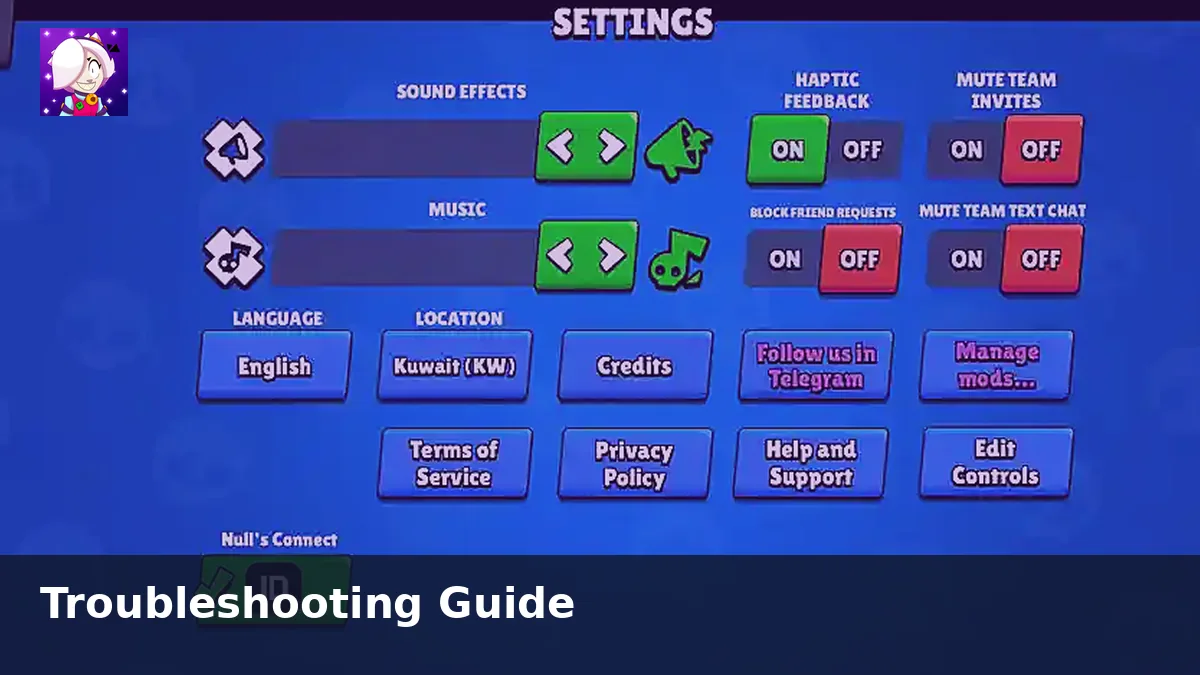
If the game stops at 79 percent loading, try restarting once. Some users also fix that issue by disabling emoji settings inside the app. For more fixes, read our Nulls Brawl troubleshooting guide.
Final Thoughts
A clean install path saves time. Download from getnullsbrawl.com, allow the Android permission prompt, link Nulls Connect, and verify the version before you jump into ranked matches.